Reports, Summaries, and Board Deliverables

As a Community Association Manager or Board of Directors Member, there will be times that you need to summarize information or report on the current business of the Association. HOALife allows you to create organized, functional, and accurate summary reports with one click!!
Inspection Summary & Violation Report
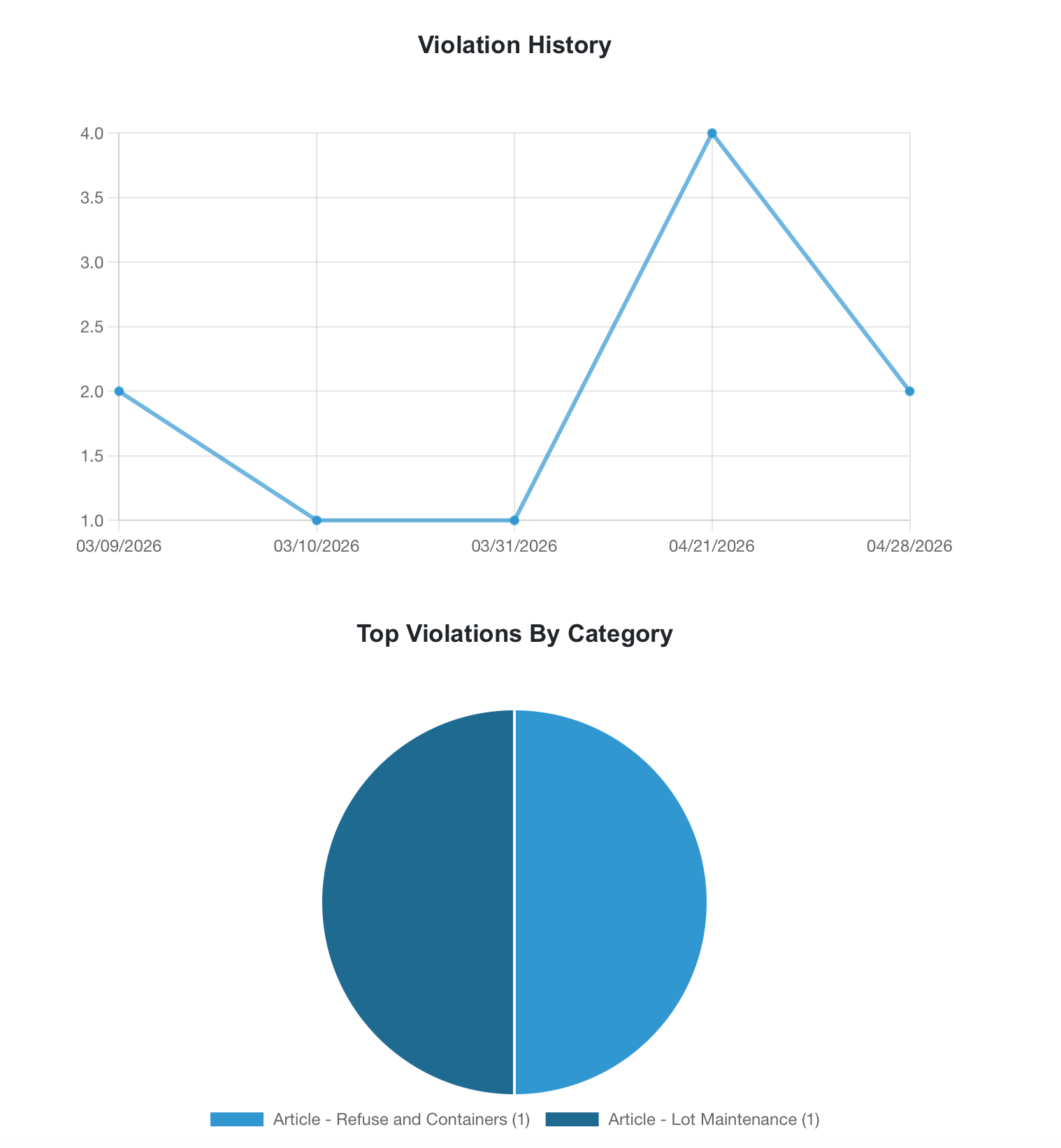
An inspection summary report is generated after every completed inspection using your Mobile Inspector App. This report includes an executive summary, violation history chart and graph, heat map, as well as each violation notice that was created during this particular inspection. Using full color graphing as well as the photos from the actual violations, this report not only summarizes the data from your inspection but visually organizes and highlights the current state of compliance in your community.
Click here for more information and how to generate this report - Inspection Summary
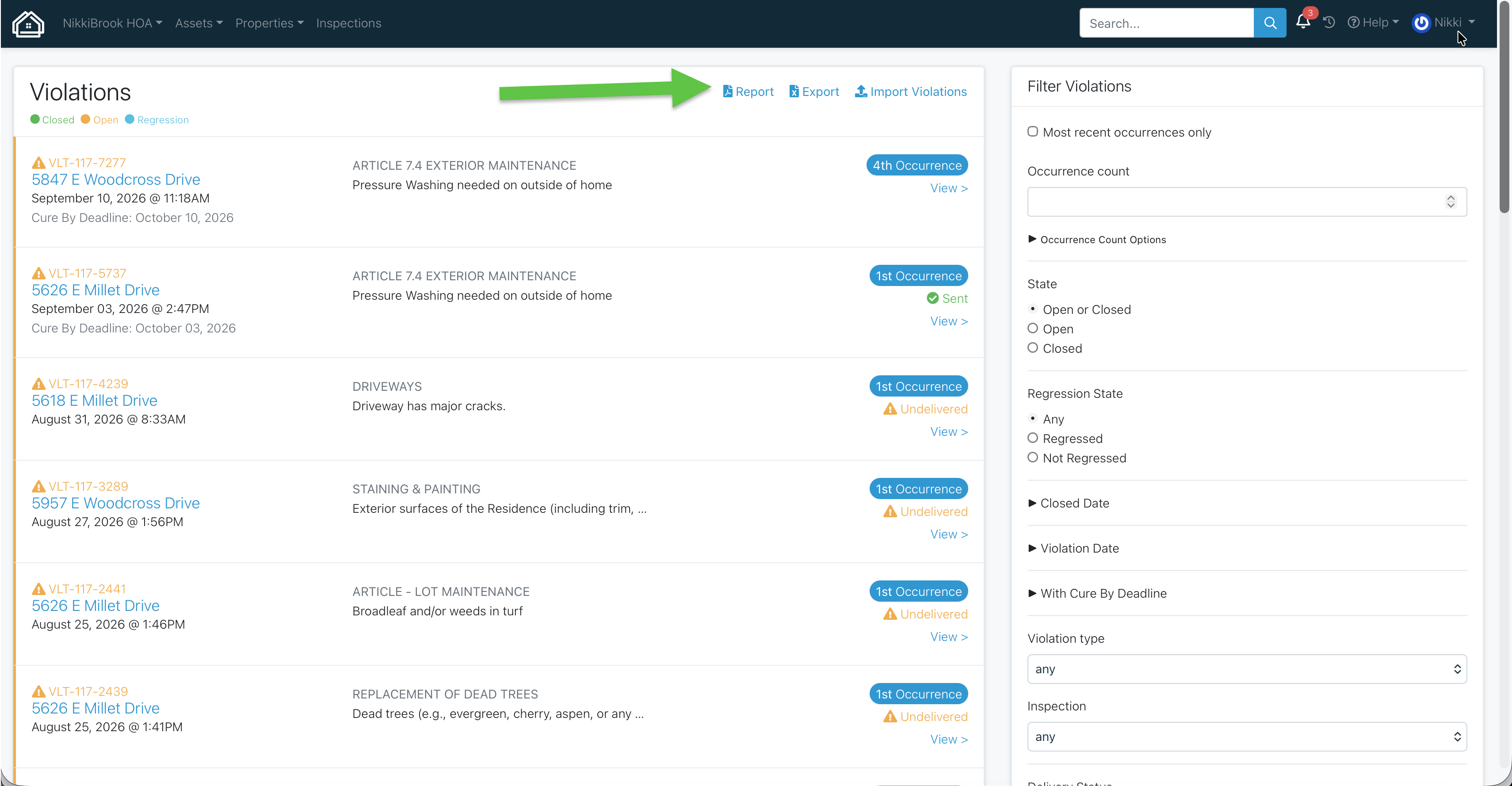
A Violation Report can be generated from your Violations page to provide an overview of ALL violations. This report can be filtered for status (open or closed), date, tags, or owner response. This report allows you to include more nuanced information or provide a snapshot of a certain time frame of compliance in your Association.
From your Violations page, make sure to employ any sorting filters necessary, then select Violation Report to download a pdf report.
Work Orders
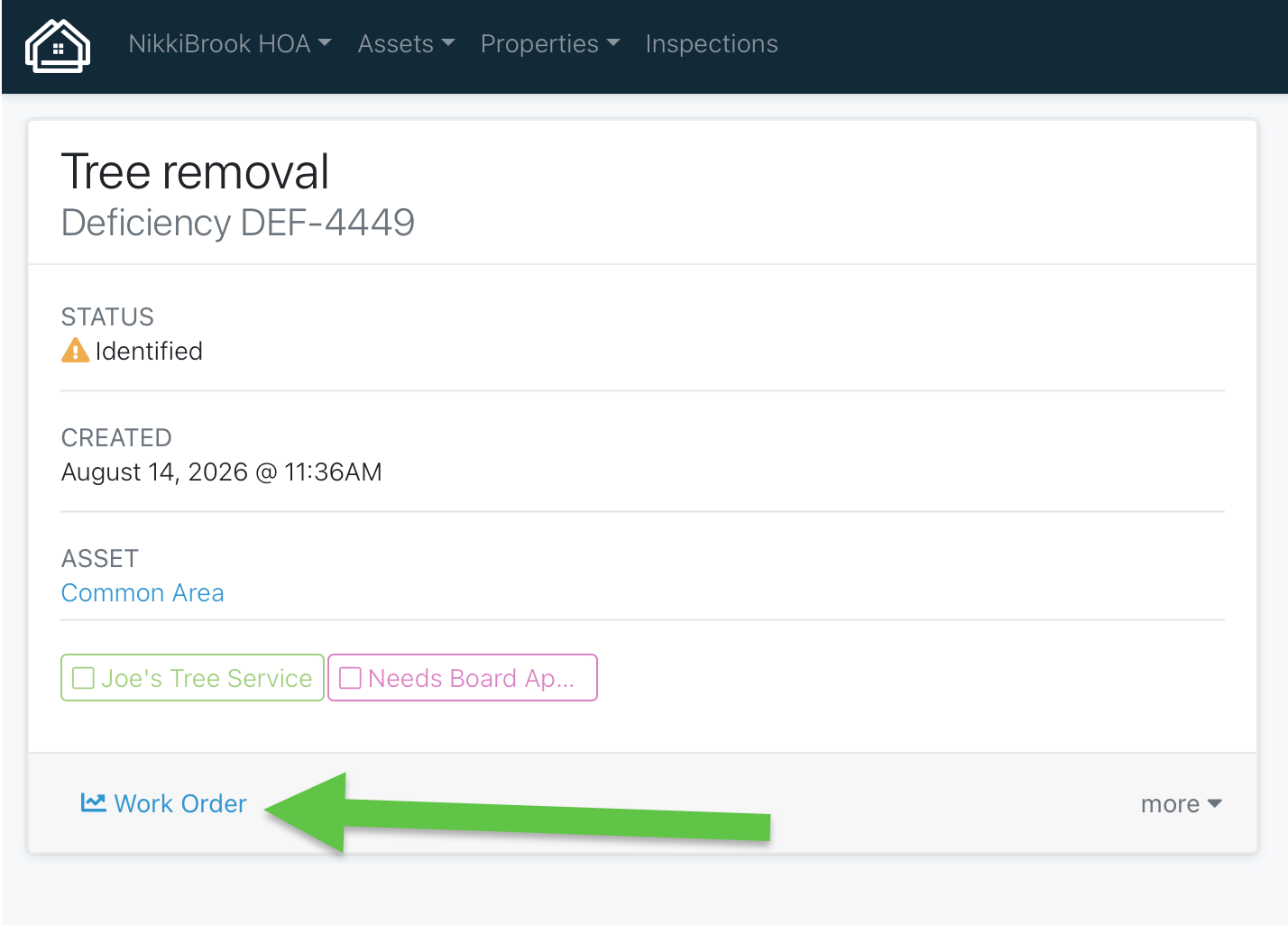
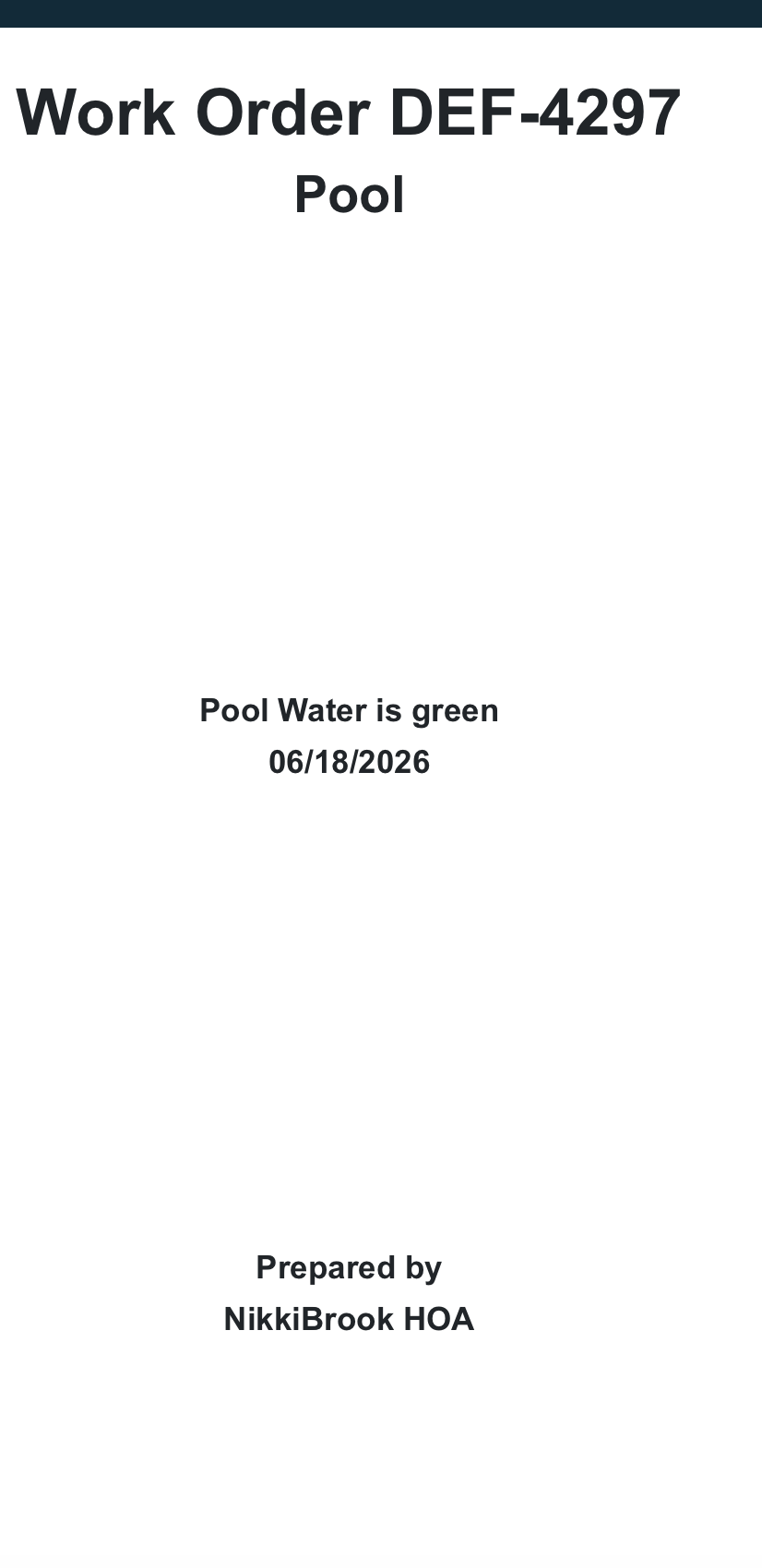
You can create a work order from any defcienceny reported in HOALife. This report will include any photos, notes, original maintenance request reported, as well as a map of the related asset. This work order is perfect to attach to any Request for Proposal (RFP) or for your maintenance team.
This work order can be generated from the deficiency page. To learn more about creating a deficiency - check out this HelpDoc
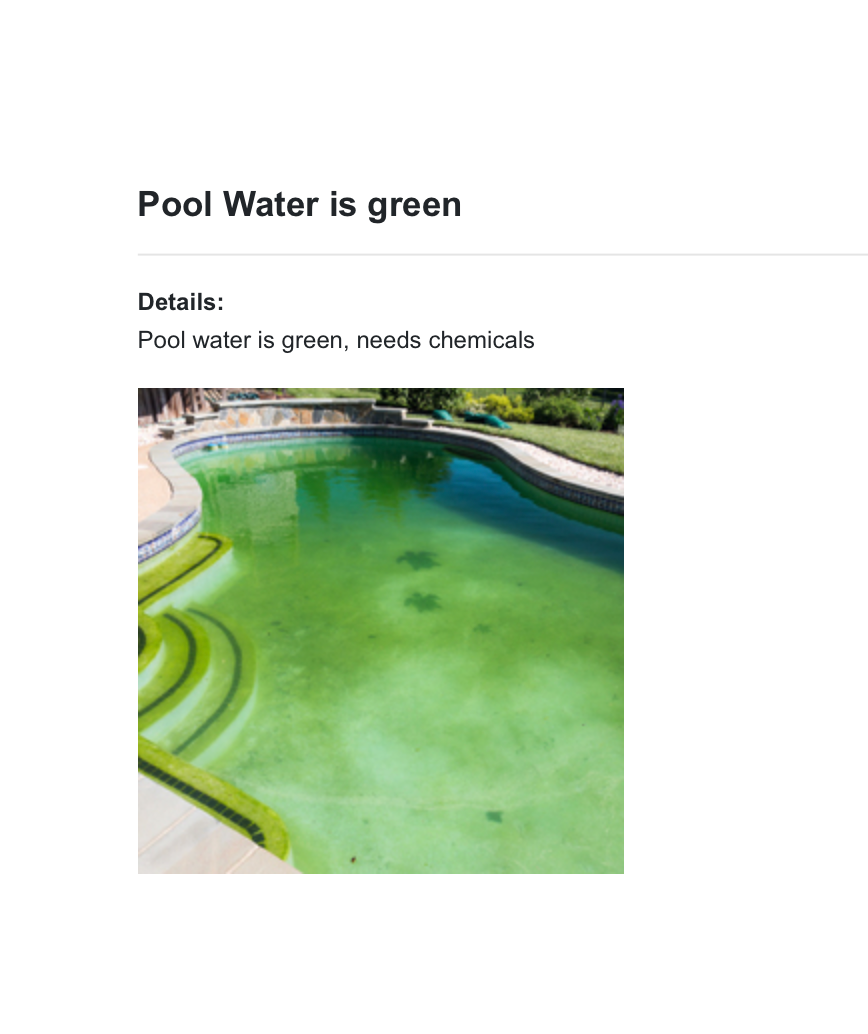
Architectural Request Summary
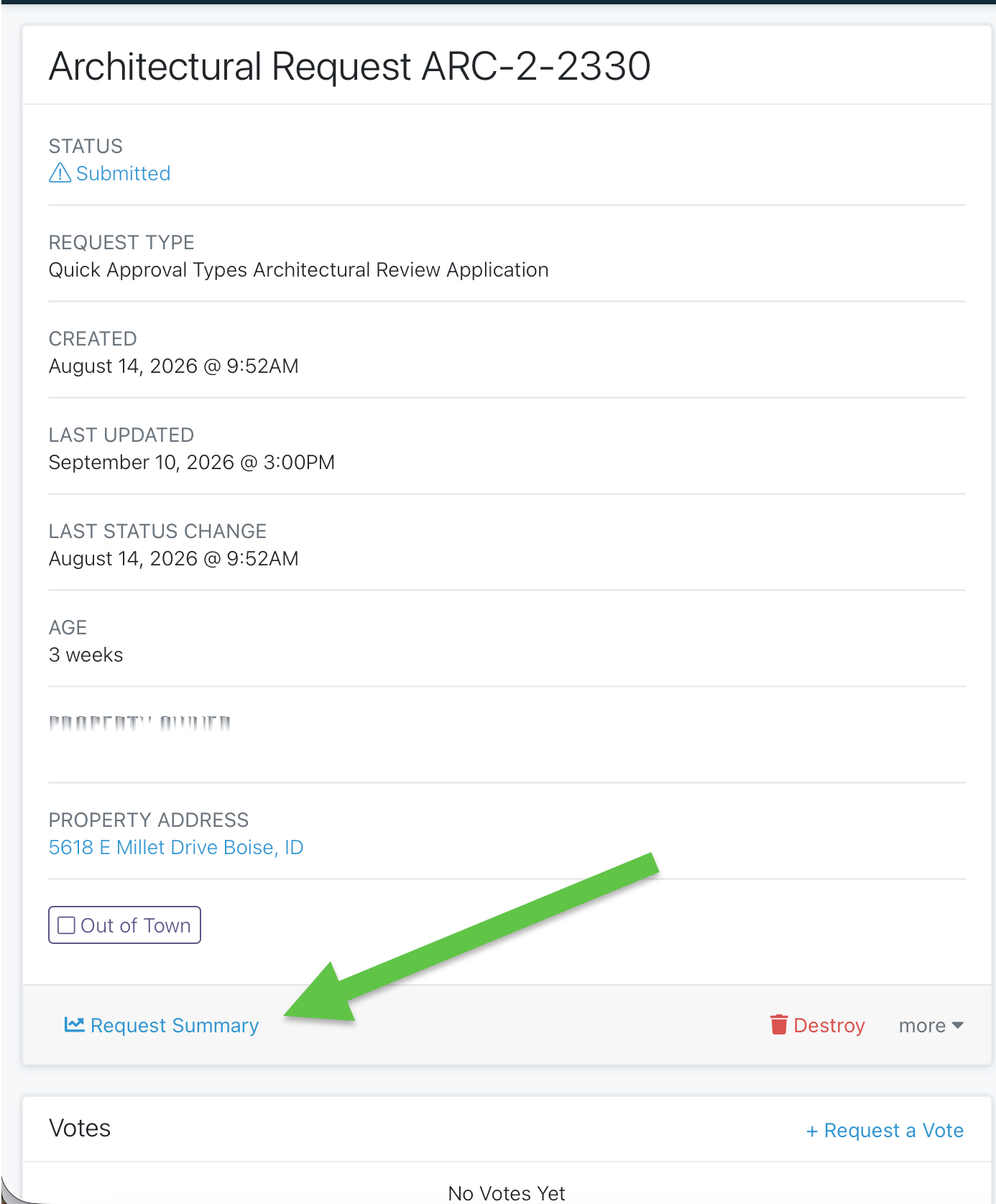
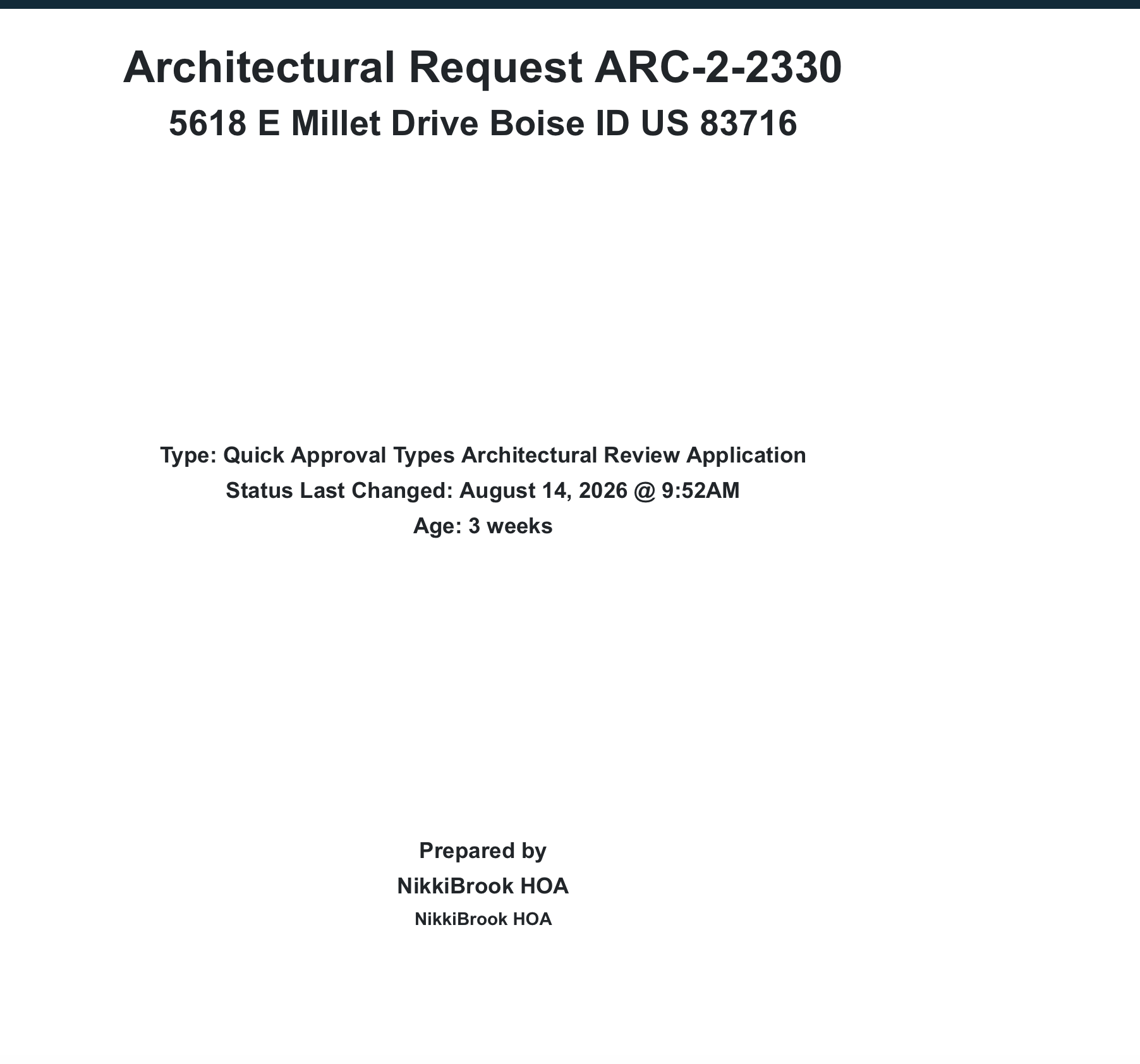
Every Architectural Request submitted can be exported as a summary. This summary will include the information submitted as part of the request as well as voting and final decision. This is a perfect way to present any submitted requests at a committee meeting.
Select "Request Summary" on the Architectural Request's page:
To find out more information about Architectural Requests and their workflow, you can review this video: ARC Overview
Escalation Summary
If a violation rises to the level of an Escalation, you will more than likely find yourself in a BOD hearing or even a court room. Providing an accurate account of this violation to include notices, dates, and photo evidence is crucial when enforcing community governance. The Escalation Summary will allow you to provide this information in one succinct document. Download directly from the escalation page in your HOALife Dashboard.
Export - Spreadsheets
At times a request or situation will call for data only to be presented. In this case, HOALife provides the export of certain information directly into a spreadsheet. This data can be shared, sorted, and analyzed as needed. Using the sort and filter options on your Dashboard page, you can drill down and select the exact data that fits your needs.
Examples of this type of export are:
Look for the "Export" button at the top of any page in your Dashboard to be able to download this information in spreadsheet form.
